Apple deployment across Australia and New Zealand that works the first time
Whether you’re rolling out 50 Apple devices or 500, we handle the complete deployment from Apple Business Manager or Apple School Manager setup to security compliance. Your team gets consistent support in every location, managed by people who actually know your environment.

Australia’s #1 mid-market MSP for 9 years running, Cloudtango.

Business & Enterprise Deployments
Apple Business Manager is a secure, web-based portal that helps organisations manage Apple devices, apps and Apple IDs in one central place. Combined with your mobile device management (MDM) solution, it allows for automated device enrolment, app distribution, and user access control, all without ever touching the device.
Education Deployments
Apple School Manager is the education-specific version of Apple Business Manager, offering all the same powerful features, with added tools tailored for schools and universities. It supports integration with student information systems (SIS), classroom workflows, and managed Apple IDs for students, teachers, and staff.
Empower your people to work with the Apple devices they know and love. Whether you’re all in on Apple or running a mix of Apple and Windows, your team gets a consistent experience that’s simple to manage and secure from every angle.
With more than 20 years of experience supporting the technology needs of growing businesses, First Focus makes it easy to deploy, integrate, and manage Apple and Windows devices through leading identity and device management platforms.
Your business can:
With Apple and First Focus, everything just works and works well together.



You’re running a business across multiple locations. Your team needs their devices configured the same way whether they’re in Brisbane or Auckland. Your security policies need to work identically in every office. And you need this deployment finished without months of troubleshooting.

Your devices connect to your identity system, enforce your security policies, integrate with your backup solution, and work on your network, all configured as one cohesive environment, not bolted together after the fact by separate vendors.

Roll out devices to your Perth, Melbourne, or Wellington offices in the same week. Your team gets the same configuration, security settings, and user experience regardless of which office they work from. No more waiting for one location to finish before starting the next.
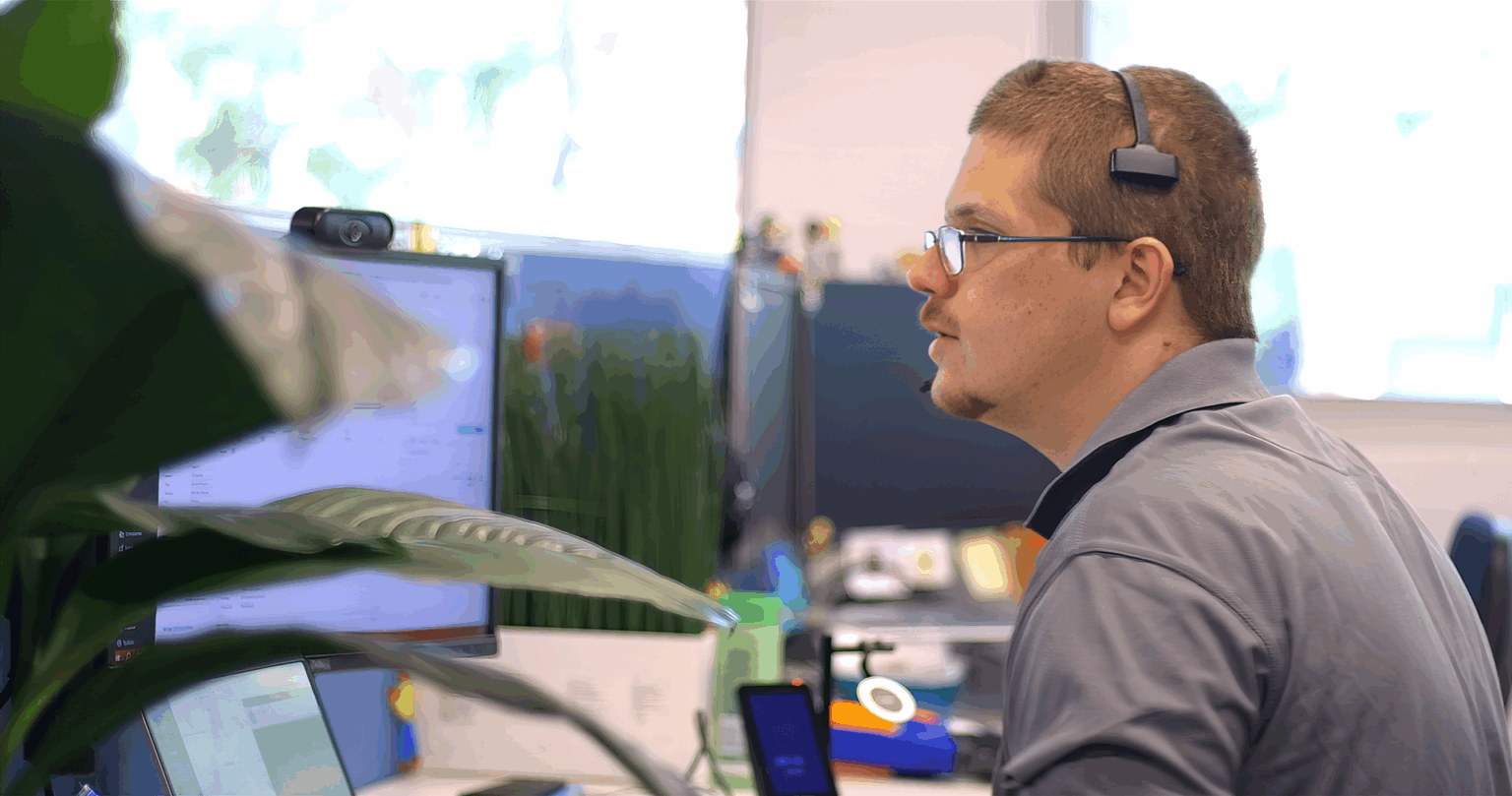
Your deployment team learns your environment, understands your workflows, and stays with you after go-live. When you need a configuration changed or have questions three months later, you’re talking to someone who already knows how your business operates.

Track exactly where your rollout stands at any time through F-Connect. See which devices are configured, which staff have logged in successfully, and where you might need additional support without chasing status updates from your deployment team.
Getting these fundamentals right means your deployment actually achieves what you need: secure devices, productive users, and no disruption to your business operations.
Your staff unbox their new MacBook or iPad, sign in once, and everything’s already configured. Their apps are installed, security policies are active, and they can access the systems they need. No IT tickets on day one asking why something doesn’t work.
What makes this possible:


Your people sign in with their work credentials and get immediate access to Microsoft 365, Google Workspace, your internal systems, and all the apps they use daily. No password fatigue. No locked accounts. No calling the help desk because they can’t remember which password goes where.
What makes this possible:
Your devices meet your compliance requirements from day one, whether that’s ISO 27001, Essential Eight, or industry-specific frameworks. Security policies run in the background without interrupting your team’s work, and you get the reporting you need to prove compliance.
What makes this possible:
Know which devices are deployed, who’s using them, which apps are installed, and where you might have issues, all from one dashboard. Track your deployment progress in real-time and spot problems before they affect your team’s productivity.

See which devices are configured and ready, which are in transit, and which staff members have successfully logged in. Know exactly where your rollout stands at any moment without requesting status reports.
Track app usage, identify which tools your team actually relies on, and see where license allocation doesn’t match actual needs. Make informed decisions about which software investments are delivering value.

Generate reports showing device encryption status, patch compliance, security policy enforcement, and access controls. Provide auditors with the evidence they need without manual data collection.

Your staff can message the support desk directly through Microsoft Teams when they need help. No switching between systems, no remembering portal logins, just send a message and get support.
INTRODUCING THE F-CONNECT APP
F-Connect gives you complete control of your IT world. It connects your people directly to our engineers and puts everything you need in one place for fast help, clear visibility and confident decision-making.
What you can do with F-Connect:
F-Connect keeps you informed, connected and in control of your technology, wherever you are.
It’s IT management designed for clarity, not complexity.

As a Jamf Professional Partner, we hold advanced certifications across our team in Jamf Pro (device management), Jamf Connect (identity and access), and Jamf Protect (endpoint security). Your Apple deployment benefits from deep expertise in the complete Jamf ecosystem, delivered consistently across all your locations in Australia and New Zealand.
Apple deployments succeed when they’re planned properly and executed consistently. Here’s how we roll out devices across your locations without disrupting your business operations.
We start by understanding your business requirements, security compliance needs, and how your team actually works. This shapes everything from device selection to app configuration.
What happens:
Our team configures Apple Business Manager, sets up your MDM platform, establishes security policies, and integrates with your identity provider. You review and approve before we touch a single device.
What happens:
Devices arrive pre-configured through zero-touch deployment. Your pod coordinates the physical delivery, handles any on-site setup, and provides direct support to your team as they get started.
What happens:
We don’t consider deployment complete until your team is productive. The first weeks include enhanced support, proactive monitoring, and immediate issue resolution to ensure everything works as intended.
What happens:
This structured approach ensures your deployment achieves what you need: secure devices, productive users, and consistent experience across all your locations.

Finance Manager, Proximo Spirits Australia

Director of Corporate Services, Royal Australasian College of Dental Surgeons

IT Infrastructure Manager at Australia Post FDS

CIO at Rexel Holdings Australia
The team at First Focus have developed a strong relationship with Rexel Holdings Australia which has led to us outsourcing a number of services to them, the largest of which is the SD-WAN. The First Focus team are collaborative and engage extremely well with our team and our extended partner network to deliver quality outcomes.
CIO, Nesuto Australia and New Zealand
First Focus provides excellent technical support, and I can always count on friendly and expert advice from the whole team.
Executive Assistant, CI Australia PTY LTD
CI Australia started working with First Focus in 2019. We were looking for an MSP that could deliver increased service quality with pricing that matched our budget. First Focus was originally in our top three preferred providers. What really helped them stand out was their proposal – there was no over- or under-scoping – and their reputation for good people and services.
Renu Energy
We are happy with First Focus' attentiveness and availability of TAMs and support techs. Their ability to identify problem areas and working to resolve in a timely manner exceeds our expectations. Although we have been faced with some on-boarding issues, First Focus have been dedicated to working with us to rectify these issues and undertaking process improvement where needed.
Corporate Services Manager, Harrier Group
Our people now trust their IT. They don’t have to spend hours researching IT answers because they trust that when a call is logged it will be resolved. I’ll recommend First Focus to anyone because I know that they’ll be in good hands.
Technology Manager, Redlands College
Get consistent deployment across all your locations, security compliance from day one, and ongoing support from a team that knows your environment. Talk to our specialists about your requirements.

 IT Strategy
 IT Consulting
 IT Infrastructure Projects
 IT Procurement
 Business Continuity Planning
 Virtual CIO
 Cloud Migration Services
 Managed IT Services
 IT Support Services
 Managed Cloud Services
 Managed SharePoint Services
 Connectivity
 Offshore Staff Outsourcing (BPO)
 Managed Security Services
 ACSC Essential 8
 Cybersecurity Risk Assessment
 Cloud Backup and Disaster Recovery
 Cyber Security Connect and Protect Program
 Automation
 Power BI
 Awards and Certifications
 Management Team
 Case Studies
 Sell Your IT Business
 Our Commitment to the Environment
 CSAT Charity Donations
 Media Kit
 Sydney