 IT Strategy
 IT Consulting
 Data Services
 IT Infrastructure Projects
 IT Procurement
 Business Continuity Planning
 Virtual CIO
 Cloud Migration Services
 Managed IT Services
 IT Support Services
 Managed Cloud Services
 Managed SharePoint Services
 Unified Communications
 Connectivity
 Offshore Staff Outsourcing (BPO)
 Managed Security Services
 ACSC Essential 8
 Cybersecurity Risk Assessment
 Cloud Backup and Disaster Recovery
 Cyber Security Connect and Protect Program
 Automation
 Power BI
 Careers
 Awards and Certifications
 Management Team
 Case Studies
 Sell Your IT Business
 Our Commitment to the Environment
 CSAT Charity Donations
 Media Kit
 Sydney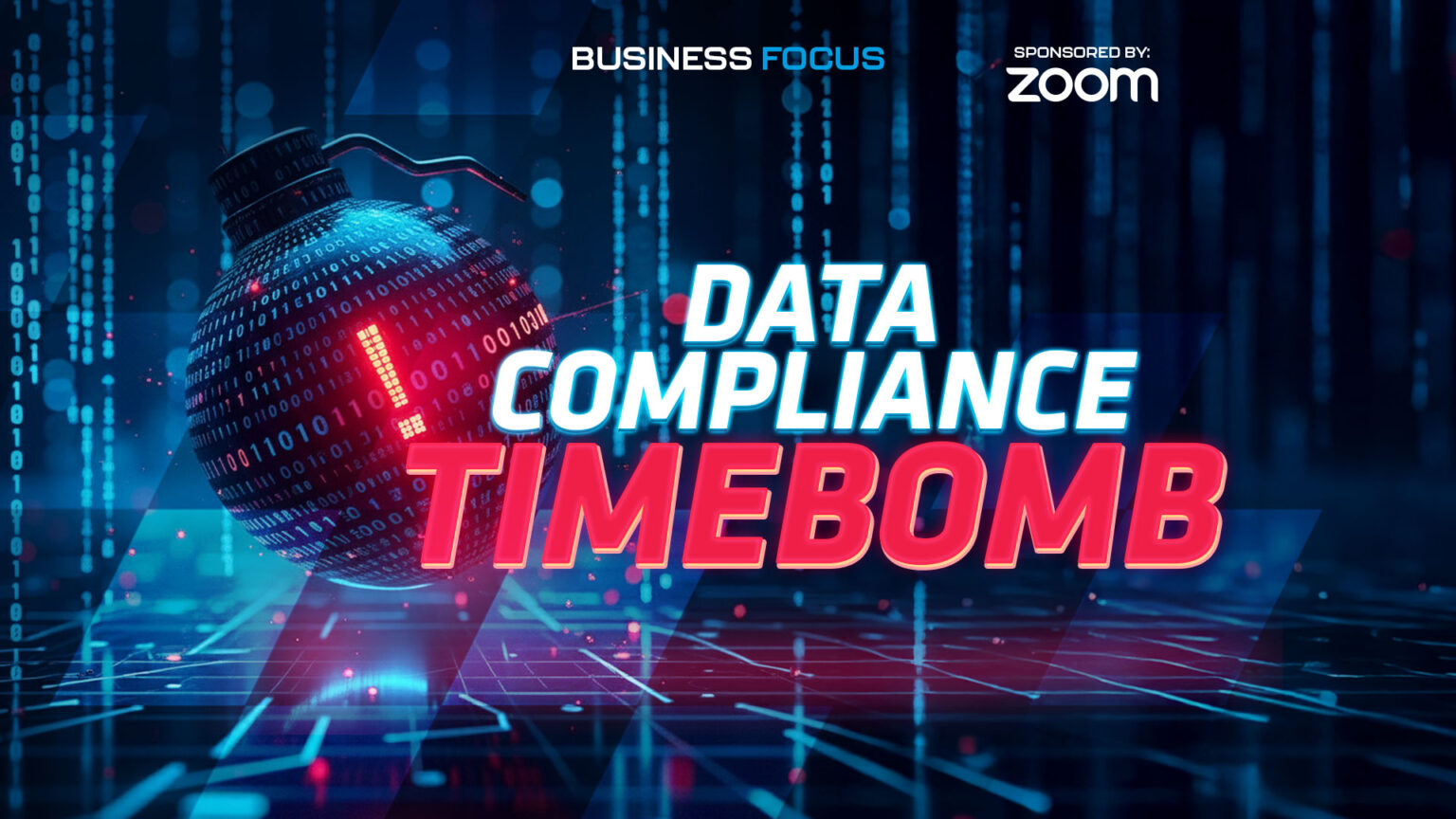
Why Managed SharePoint Belongs in Your Support Plan
For the final episode of our SharePoint Focus series, First Focus brings the conversation full circle. We explain why Managed SharePoint Services are now included by default in our Total Support and Total Support Plus plans, much like we did with Intune and Autopilot for streamlined onboarding and offboarding. With Australia’s evolving Privacy Act, the surge in AI, and rising cloud storage costs, SharePoint governance has shifted from nice-to-have to non-negotiable for Australian organisations of every size.
Key takeaways
- Managed SharePoint is now standard in First Focus Total Support and Total Support Plus, recognising universal needs around governance, security and efficiency.
- Three drivers make this urgent: Privacy Act changes and penalties, AI that depends on clean data, and growing storage costs across documents, images and video.
- Classification and tagging surface personal and sensitive information so it can be treated differently, not just labelled for the sake of it.
- Risky data is everywhere, regardless of size: salaries, medical certificates, incident reports, financial data and engineering plans all require protection and clear access rules.
- Permissions and sharing controls should reflect audience and purpose. Decide who can view, edit, download or share, and apply policies at tenant and site levels.
- Classification must trigger action, such as restricted sharing, retention and lifecycle policies. Labels without outcomes do not reduce risk.
- Dashboards matter: leaders need visibility of “who can access what” without digging through multiple admin portals.
- Training underpins adoption, so users understand link types, sharing behaviours and why policies exist.
- The goal is consistent governance, better productivity and peace of mind, not paperwork for its own sake.
Watch the episode
Why SharePoint governance is now a standard service
First Focus has a clear pattern. When a need becomes universal, we bring it into our support plans. We did it with Intune and Autopilot once it was obvious that every Australian business needed reliable, automated onboarding and offboarding. SharePoint is in the same category now. The Privacy Act is expanding in scope. AI is only as good as the data it can reach. Storage costs continue to climb as document libraries fill with images and videos. Including Managed SharePoint Services by default makes governance practical and cost-effective, instead of a string of ad-hoc projects.
The three drivers you cannot ignore
- Privacy Act: strong penalties and a wider scope bring data handling into focus for almost every business. Sensitive and personal information needs to be identifiable and protected.
- AI readiness: “rubbish in, rubbish out” still applies. If your SharePoint data is messy, AI will amplify the mess. Clean classification and sensible access are prerequisites.
- Storage costs: growth in documents, images and video has a real dollar impact. Without lifecycle and permissions discipline, spend creeps up and performance suffers.
Feature 1: Data classification and tagging that leads to action
Classification is not decoration. It is a way to change how information is handled. Managed SharePoint Services help your team identify content that includes personal or sensitive information, then apply rules that matter in the real world. That means different access controls, retention rules and sharing settings for different classes of content.
“Risky data” varies by sector, but every organisation has it. Examples mentioned in our discussion include:
- Salary and benefits documents held by HR
- Medical certificates and health-related notes shared with managers
- Incident reports and operational records that include personal details
- Financial statements and client budgets
- Engineering plans and infrastructure documents
The common thread is not company size. It is the presence of information about people and high-value business operations. Labelling it correctly ensures it is not casually surfaced by AI or exposed through overly broad sharing.
Feature 2: Sharing, access control and permissions that match the audience
Effective governance starts with simple questions. What is the data? Who is the audience? How should they interact with it? Managed SharePoint Services help you translate those answers into consistent controls:
- Tenant-level guardrails across SharePoint, OneDrive and Teams, so risky content cannot be shared in ways that breach policy.
- Site-specific permissions for day-to-day collaboration. Decide who can view, edit, download and reshare.
- Link management including expiry settings and restrictions on external access.
- Clear ownership so every library has someone accountable for permissions and reviews.
Training is part of the picture. Users need to understand the difference between “people in my organisation,” “people with existing access,” and externally shared links. That knowledge prevents accidental oversharing and the frustration of access requests that stall work.
Classification has to do something
The team makes a critical point in this episode. If labels do not change outcomes, they are not worth the effort. Managed SharePoint ties classification to protection and lifecycle rules. Highly confidential documents can be blocked from external sharing and locked at the right stage. Routine material can flow through a lighter set of controls. The aim is to protect what matters without smothering collaboration.
Dashboards and visibility for decision-makers
Leaders need to answer a basic question quickly: who can see what? Native admin tools can make that surprisingly hard. Managed SharePoint Services provide a clear view of access and policy posture, so IT decision-makers do not have to trawl multiple panels to assess risk or confirm that controls are working. That visibility supports sensible approvals and faster remediation when something is out of step.
From principle to practice: how it helps day to day
- Human resources: salary files and leave documentation live in tightly controlled libraries. Links expire by default. Only the right people can download or reshare.
- Operations and projects: working documents are easy to find and edit, while final records are locked at the right time to preserve integrity.
- Finance: budgets and statements are visible to the right cost-centre owners without bleeding into general search results.
- Leadership: permissions reviews and classification summaries are clear enough to drive decisions without deep technical dives.
Why “support-plan inclusive” matters
Rolling governance into support plans removes a common blocker. When SharePoint management is treated as a project, it slips behind other priorities. When it is part of your plan, the foundation stays healthy. That steady cadence delivers better data for AI, fewer surprises during audits, and less time lost to permission tangles and link mishaps.
What success looks like
- Classification that reliably identifies sensitive and personal information
- Permissions and link policies that reflect audience and intent
- Dashboards that make access and risk visible at a glance
- Training that builds confident, safe sharing habits
- Retention and lifecycle rules that keep storage costs in check
Bringing it home
Across six episodes we have covered why data readiness underpins AI, how to balance collaboration with security, and how lifecycle thinking keeps cost and risk under control. Episode six adds the final piece. Governance works best when it is not a side project. By including Managed SharePoint Services inside Total Support and Total Support Plus, First Focus makes the essentials part of business as usual for Australian organisations. That is how you meet Privacy Act obligations, get real value from AI, and keep cloud costs sensible, all while making work easier for your team.